How to Install Sky Glass IPTV UK App on Smart TVs (Step-by-Step Guide)
Sky Glass IPTV UK is designed to work smoothly across multiple devices, but to Install Sky Glass IPTV Smart TVs, process depends on the operating system of your Smart TV. This guide explains how to install Sky Glass IPTV on Android Smart TVs and how to use it on non-Android Smart TVs like Samsung, LG, and Roku.
Method 1: Install Sky Glass IPTV UK on Android Smart TVs
If your Smart TV runs on Android OS (such as Sony, TCL, Hisense, Xiaomi, or Android TV boxes), you can install the Sky Glass IPTV app directly.
Step-by-Step Installation
- Open the Google Play Store on your Android Smart TV
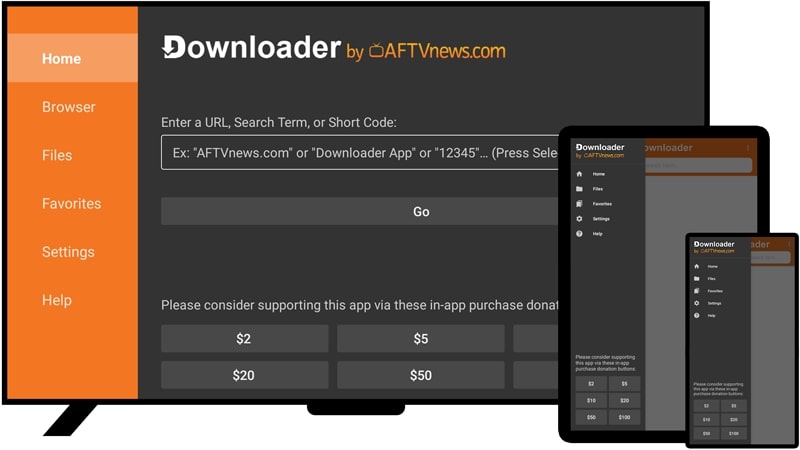
- Search for Downloader by AFTVnews and install it
- Launch the Downloader app
- In the Downloader code / url section, enter the Sky Glass IPTV app downloader code:
6478532 - The app will begin downloading automatically
- Once installed, open the app and proceed to login
To receive Sky Glass IPTV UK login details, you need to contact the official support via WhatsApp provided by the service.
This method offers the best experience, including smooth navigation, fast loading, and full compatibility with the official Sky Glass interface.
Method 2: Use Sky Glass IPTV UK on Non-Android Smart TVs
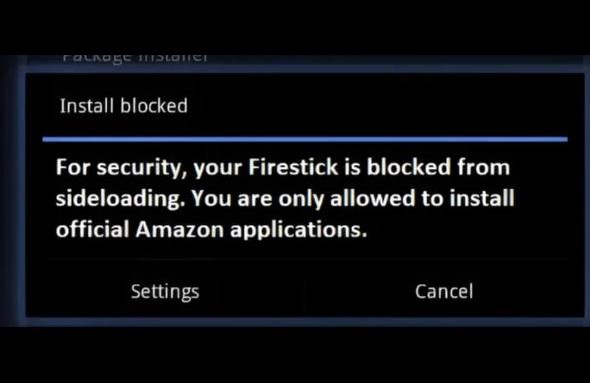
Smart TVs that do not run Android OS—such as Samsung (Tizen OS), LG (webOS), and Roku TV—do not support direct installation of the Sky Glass IPTV app.
Option A: Use Firestick or Xiaomi Stick (Recommended)
If you have a Firestick or Xiaomi TV Stick, simply connect it to your TV and follow the Android installation method mentioned above using the Downloader app.
This allows you to use the official Sky Glass IPTV app without limitations.
Option B: Use Third-Party IPTV Players (No Extra Device Needed)
If you do not have a Firestick or Android device, you can still access the Sky Glass service using third-party IPTV player apps available in your TV’s app store.
Popular compatible apps include:
- IBO Player
- CR7 Player TV
- IPTV Smarters Pro
- Smart One IPTV

How It Works
- Download any compatible player from your TV’s official app store
- Open the app and note the device ID or upload section
- Contact Sky Glass support on WhatsApp to get your login details
- Enter the credentials or playlist as instructed
Once activated, channels and on-demand content will load within the player.
Final Notes
- Android Smart TVs provide the best and most direct experience
- Firestick or Xiaomi Stick enables official app access on any TV
- Third-party apps are a reliable alternative for Samsung, LG, and Roku TVs
- Always obtain official login details directly from Sky Glass support
If you need help choosing the right setup for your TV model, feel free to ask. For other devices installation Guide visit our Installation Page.