Sky Glass IPTV UK Not Working on Sky Broadband (UK Fix Guide 2026)
If Sky Glass IPTV UK is not working on Sky Broadband, you are not alone. Thousands of UK users face issues such as IPTV apps not loading, channels buffering, black screens, or playback errors when using Sky Broadband. In most cases, the problem is not your Sky Glass IPTV UK service, but Sky Broadband’s built-in security and router restrictions.
This UK-focused guide explains why Sky Glass IPTV UK stops working and provides step-by-step solutions to fix the issue quickly.
Why Sky Glass IPTV UK Not Working on Sky Broadband? UK Fix 2026
Sky Broadband uses advanced network protection systems, including Broadband Shield and Parental Controls. These features often block IPTV servers, streams, or EPG data by mistake.
Common UK user complaints include:
- Sky Glass IPTV UK channels not loading
- IPTV buffering on Sky Broadband
- “Playback error” or “Failed to load stream”
- IPTV works on mobile data but not on Sky Broadband
These issues usually start after enabling parental controls, resetting the Sky router, or switching to Sky Broadband.
Solution 1: Disable Sky Broadband Shield (Most Important Fix)
Disabling Broadband Shield fixes IPTV issues for most UK users.
Steps:
- Log in to your Sky account or My Sky app
- Go to Broadband & Talk → Broadband
- Open Broadband Shield / Parental Controls
- Turn the Shield OFF for all profiles
- Save changes and restart your router
After this, Sky Glass IPTV UK usually starts working immediately.
Step-by-Step Image Guide
Step 1: Sign in to Sky Account
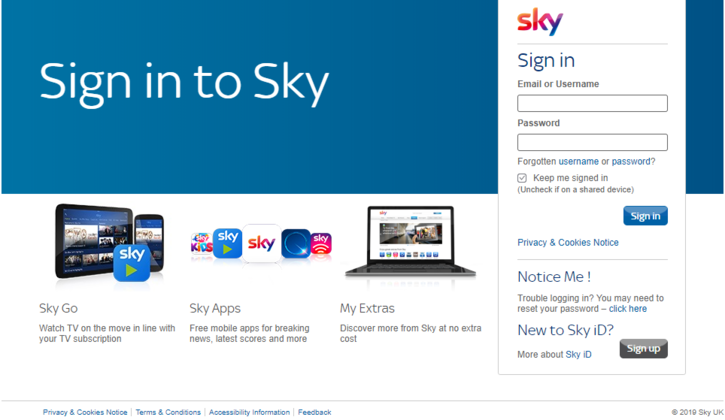

- Visit Sky My Account or open My Sky app
- Log in using Sky ID and password
Step 2: Open Broadband Settings
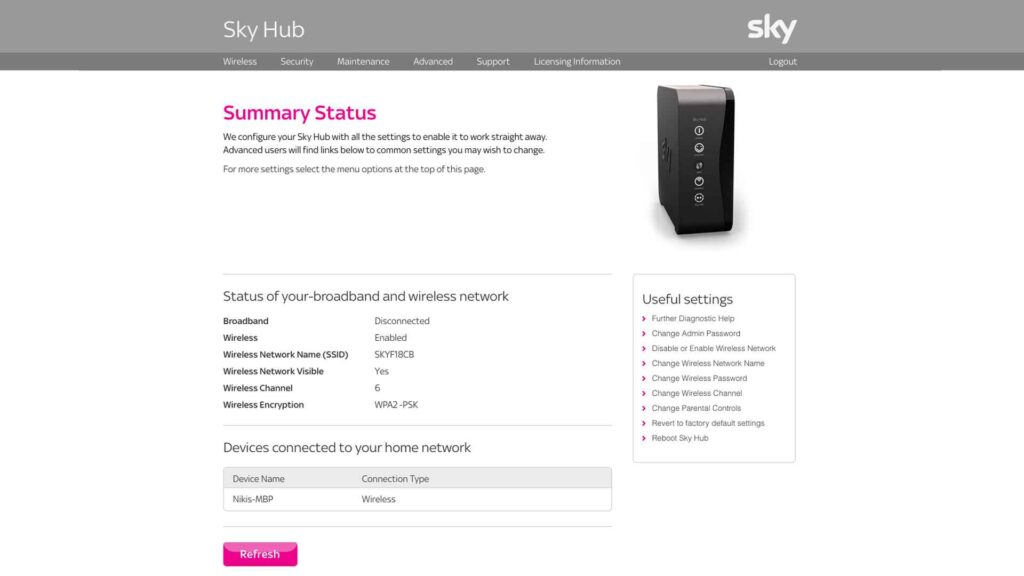
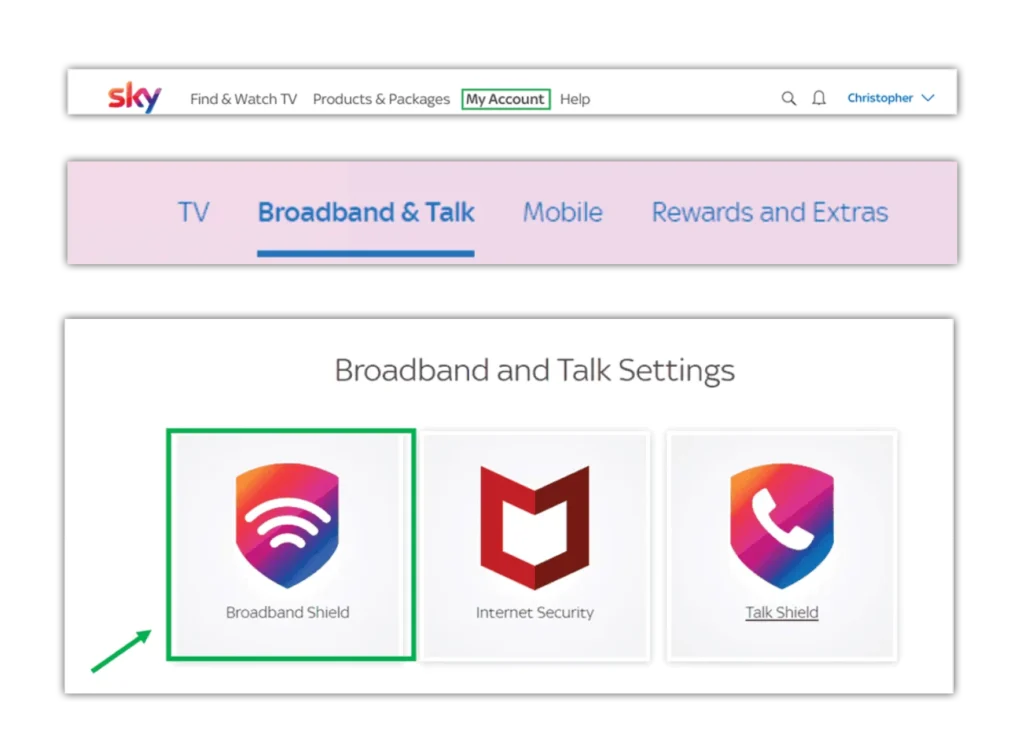
- Go to Broadband & Talk → Broadband
Step 3: Disable Broadband Shield
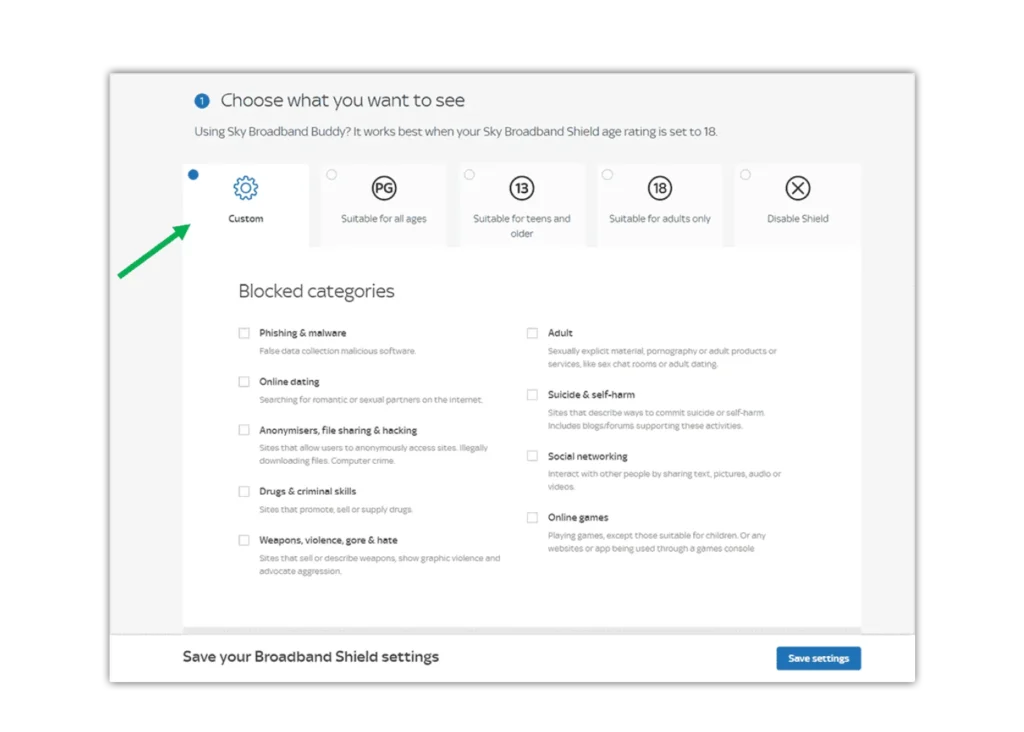
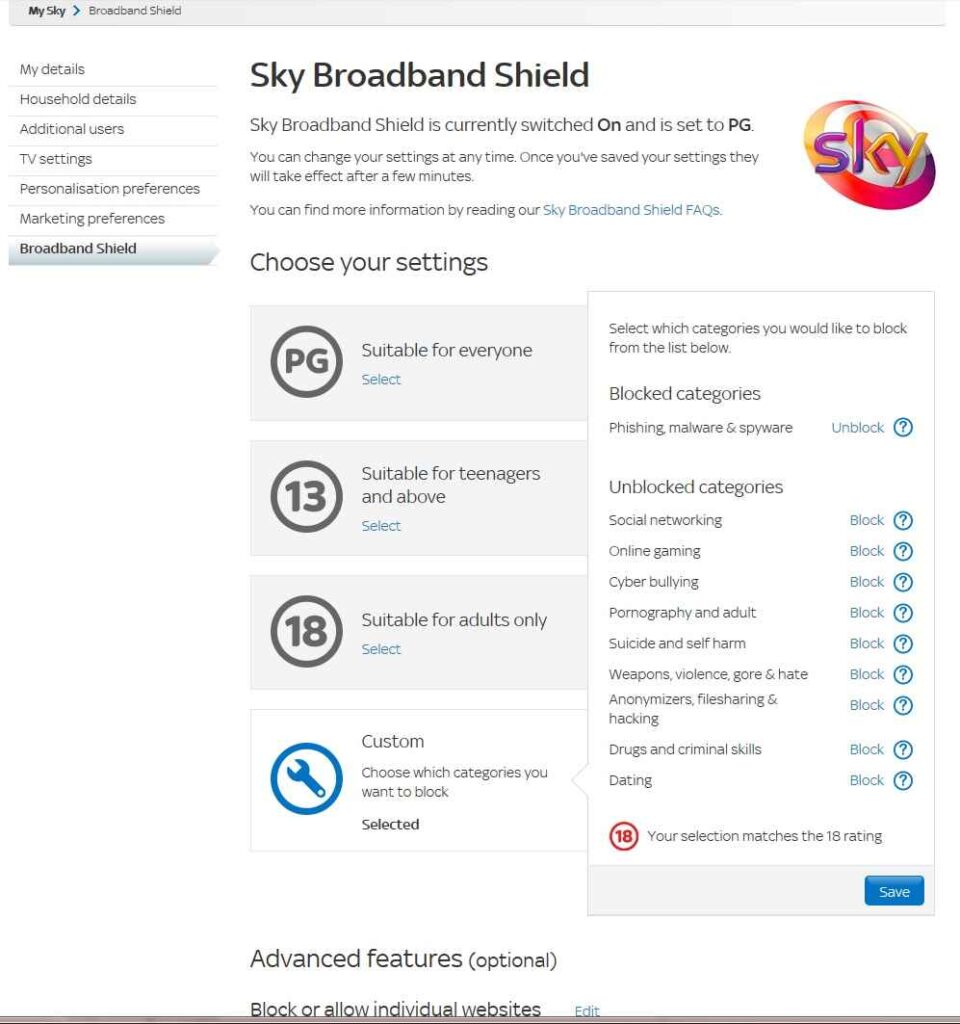
- Turn Broadband Shield OFF
- Save settings
Step 4: Restart Router & Sky Glass
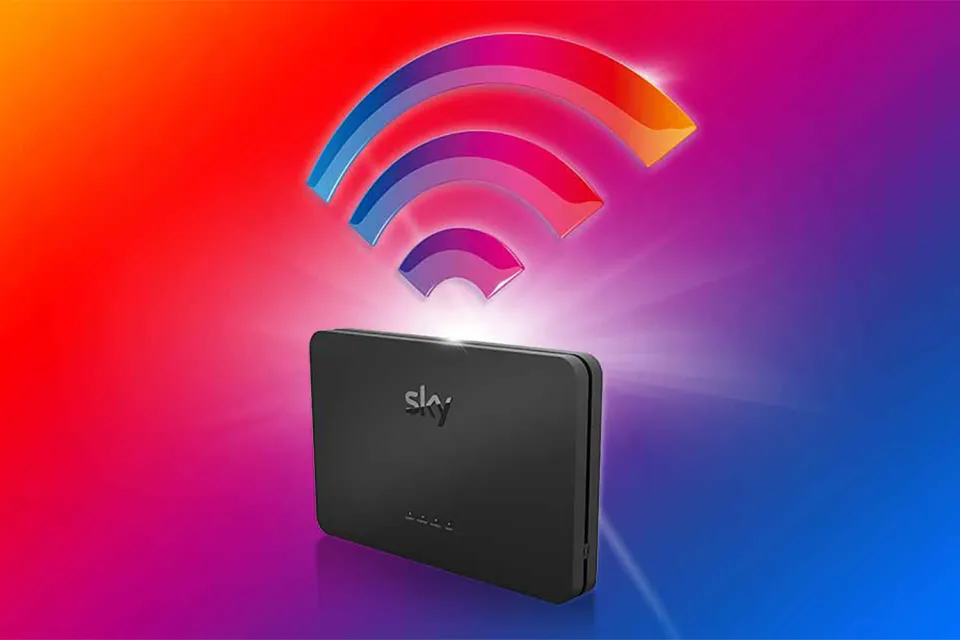
- Restart router
- Restart Sky Glass TV
Solution 2: Restart Sky Glass & Router Properly
Follow this order:
- Turn off Sky Glass TV
- Unplug Sky router for 2–3 minutes
- Plug router back in and wait for full connection
- Turn Sky Glass back on
This clears cached network blocks.
Solution 3: Improve Internet Stability for Sky Glass IPTV UK
Recommended UK speeds:
- HD IPTV: 15–20 Mbps
- 4K IPTV: 40–50 Mbps
Tips:
- Use Ethernet instead of Wi-Fi
- Use 5GHz Wi-Fi band
- Pause downloads during streaming
- Disconnect unused devices
Solution 4: Update or Reinstall IPTV App
Outdated apps often fail on Sky Broadband:
- Update IPTV app
- Clear app cache
- Reinstall if needed
When to Contact Your IPTV Provider UK
If the issue continues:
- Request a new server URL/domain
- Ask for updated Sky Broadband-compatible settings
Final UK Verdict
If Sky Glass IPTV UK is not working on Sky Broadband, the issue is almost always caused by Broadband Shield, router filtering, or unstable connectivity. Disabling Sky Broadband Shield and optimising your network fixes the problem for most UK users without changing ISP.